The most effective savings strategy is also the most boring: set up an automatic transfer and forget about it. No discipline required. No weekly decisions about whether you can "afford" to save this time. No willpower battles between your present self and your future self. The money moves on its own, and you build wealth almost by accident.
This is not a new idea. Financial advisors have been recommending automation for decades. But knowing you should automate and actually doing it are different things, and the details of how you set it up matter more than most people realize. Get the timing wrong, and you create overdraft problems. Set the amount too high, and you will turn off the automation within a month. Set it too low, and the progress feels meaningless.
Here is how to set it up so it actually works and actually sticks.
Why Automation Works When Willpower Does Not
Every time you make a manual decision about saving money, you are asking your brain to choose a future benefit over an immediate one. Behavioral economists call this "present bias" -- the tendency to value what is in front of you right now over what might help you later. It is not a character flaw. It is how human brains are wired.
Automation removes that decision point entirely. The money moves before you have a chance to decide you need it for something else. You adjust your spending to whatever remains after the transfer, which is what you would have done with your full paycheck anyway -- you would have spent whatever was there.
Research backs this up. A study in the Journal of Political Economy found that automatic enrollment in savings plans dramatically increased participation rates. People who had to opt in saved at rates around 40%. People who were automatically enrolled saved at rates above 85%. Same people, same income, same accounts. The only difference was whether saving was the default.
The Pay-Yourself-First Principle
The traditional approach to saving is: earn money, pay bills, spend what you need, save whatever is left. The problem is that "whatever is left" is usually nothing. Expenses expand to fill available income.
The pay-yourself-first approach reverses the order: earn money, save a predetermined amount, then pay bills and spend from what remains. By moving savings to the front of the line, you guarantee it happens every month regardless of what else comes up.
Automation is what makes pay-yourself-first work in practice. Without it, the principle is just an aspiration. With it, the principle runs on autopilot.
How to Set It Up: A Step-by-Step Approach
Step 1: Choose Your Savings Account
If you do not already have a dedicated savings account, open one. Ideally, it should be at a different institution than your checking account. This adds a small amount of friction that prevents impulsive transfers back to checking, while still keeping the money accessible within a day or two.
High-yield savings accounts at online banks typically offer significantly better interest rates than traditional brick-and-mortar banks. The difference might seem small on a modest balance, but it compounds over time and it is free money.
Step 2: Determine Your Transfer Amount
This is where most people go wrong. They calculate how much they "should" be saving based on some article that says 20% of income, set that as their transfer amount, and then turn off the automation three weeks later when they cannot cover their groceries.
Start lower than you think you should. If you have never automated savings before, begin with an amount that feels almost trivially small -- $25 per paycheck, $50 per month, whatever number makes you think "that is not enough to matter." It matters. It matters because it establishes the habit and proves the system works.
You can always increase it later. You cannot easily recover from the discouragement of setting an unsustainable amount and watching the system fail.
Step 3: Align Timing With Your Income
This detail makes or breaks automation. Your savings transfer should happen the same day as or the day after your paycheck deposits. Not a week later. Not on the 1st and 15th regardless of when you get paid. On payday.
Why? Because on payday your balance is at its highest. A transfer that day is absorbed naturally. A transfer a week later hits when your balance has already been reduced by spending, increasing the chance of an overdraft or an uncomfortable squeeze.
If you are paid biweekly, set a biweekly transfer. If you are paid monthly, set a monthly transfer. If you have irregular income (freelance, gig work, commissions), this gets trickier -- see the section on irregular income below.
Step 4: Set Up the Transfer
Most banks allow you to set up recurring transfers through their online banking or mobile app. You will typically need:
- The source account (your checking)
- The destination account (your savings)
- The amount
- The frequency (weekly, biweekly, monthly)
- The start date (align with your next payday)
Some employers also allow you to split your direct deposit, sending a portion directly to savings and the rest to checking. This is even better than a bank transfer because the money never enters your checking account at all. You never see it, so you never miss it.
Step 5: Monitor for the First Month
After setting up automation, pay attention for the first 30 days. Check your checking account balance more frequently than usual. Make sure the transfer is not causing your balance to dip dangerously low before the next paycheck.
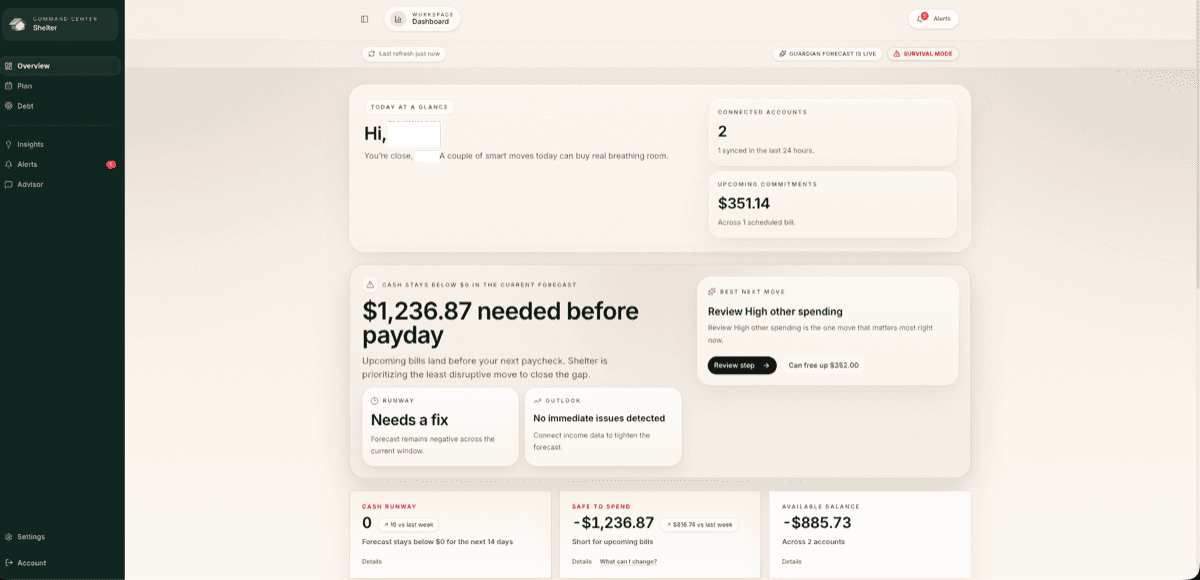
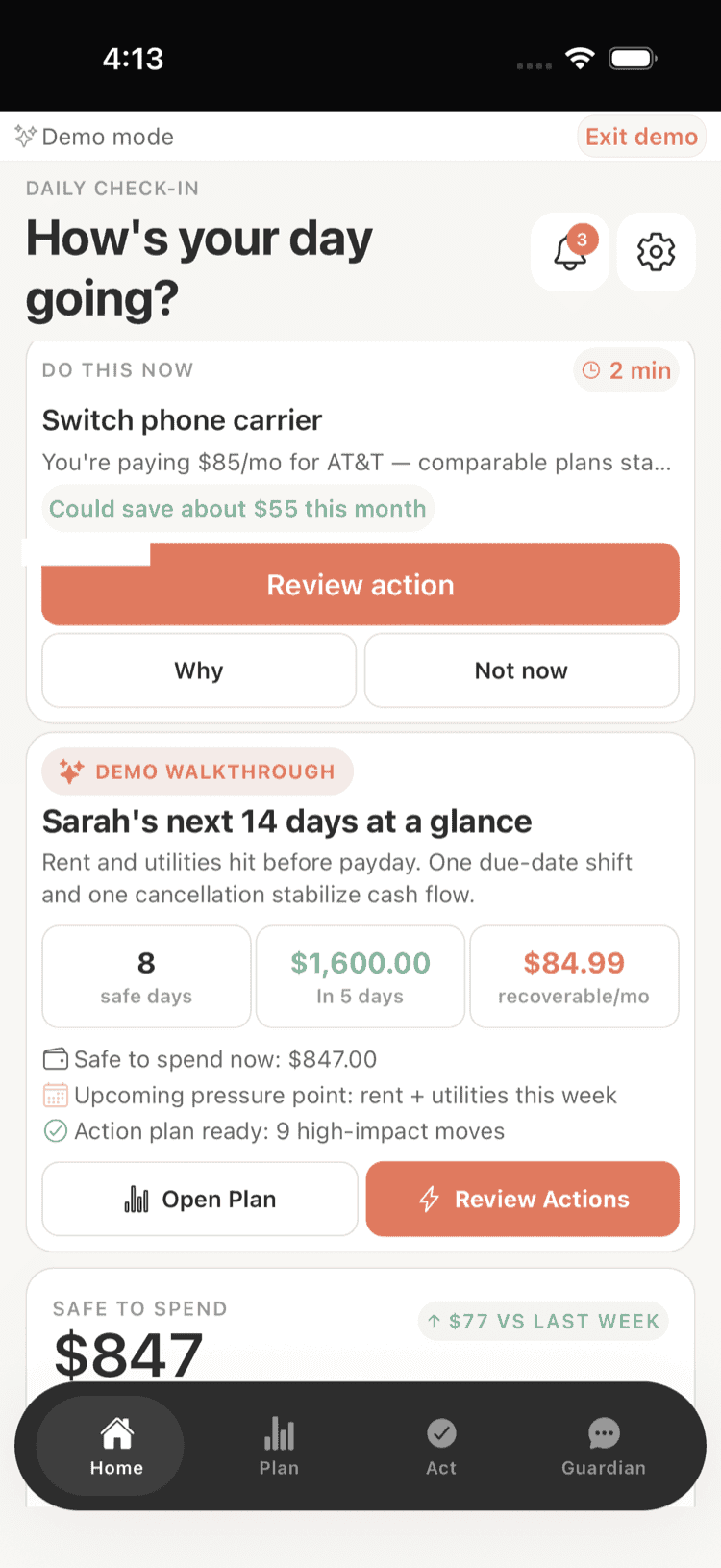
Shelter is useful here because it shows your projected balance for the next 30 days, including the impact of your new recurring transfer. You can see immediately whether the automation creates a problem on any particular day, rather than finding out the hard way via an overdraft. The features page shows how this daily balance projection works.
If the transfer is causing stress or shortfalls, reduce the amount. There is no shame in saving $15 per paycheck instead of $50. The habit is what matters.
Handling Irregular Income
Automating savings with irregular income requires a slightly different approach. You cannot set a fixed recurring transfer when you do not know when or how much you will be paid.
Two strategies work well:
The baseline approach. Determine your minimum reliable income -- the amount you can reasonably expect even in a slow month. Set your automated savings based on a percentage of that baseline. When you earn more than the baseline, make a manual additional transfer.
The percentage approach. Instead of a fixed dollar amount, commit to transferring a fixed percentage of every payment you receive. When a client pays you $2,000, you immediately transfer 10% ($200) to savings. When a gig pays $300, you transfer $30. This scales naturally with your income.
Either way, the key is removing the decision from each individual payment. Pre-commit to the rule, then follow it mechanically. For a complete plan built around variable cash flow, the anti-budget method offers a complementary framework.
Adjusting Over Time
Automation is not a set-and-forget-forever system. It is a set-and-review-periodically system. Every three to six months, check in:
- Has your income changed? If you got a raise, increase your savings transfer by at least a portion of the raise before your spending adjusts to the new income.
- Are you consistently comfortable? If your transfer has been running for three months with no issues, consider increasing it by 10-20%.
- Have your goals changed? Maybe you have hit your emergency fund target and want to redirect savings toward a different goal, like a sinking fund for a vacation or a car down payment.
The beauty of automation is that adjustments are easy. Change the dollar amount, confirm, and the new number takes over. You are not starting from scratch each time.
Common Mistakes to Avoid
Automating too much too fast. The most common mistake. People get excited, set up an aggressive transfer, then turn it off when they run short. Start conservative and increase gradually.
Not having a buffer in checking. Your checking account needs a small cushion above your monthly expenses to absorb timing variations -- a bill hitting a day early, a slightly higher grocery run, an unexpected charge. If your checking balance is perpetually near zero after the transfer, the automation will create more stress than it relieves.
Saving without a goal. Automation is a mechanism. It works best when it is pointed at something specific: an emergency fund, a vacation, a down payment, a holiday budget. When you know what the money is for, you are less tempted to redirect it.
Ignoring your savings account. Some people set up automation and then never look at the account. Watching your savings grow is motivating. Check in monthly, see the balance, and appreciate the progress. That positive reinforcement keeps you committed to the system.
Not accounting for new automation in your cash flow. When you add a new automated transfer, it changes your cash flow. Make sure you know how it affects your daily and weekly balances. Shelter's 30-day forecast automatically incorporates recurring transfers, so you can see the impact before it becomes a problem.
The Long Game
Automating your savings is not exciting. It will never go viral on social media. Nobody has ever thrown a party because they set up a $50 biweekly transfer to a high-yield savings account.
But it works. Consistently and reliably, it works. Over a year, $50 per paycheck becomes $1,300. Over five years, it becomes $6,500, plus interest. Over ten years, with gradual increases as your income grows, it becomes a meaningful financial foundation that you built almost without noticing.
The secret to building wealth is not finding the right investment or earning a huge salary. It is making saving automatic, sustainable, and invisible. Set it up, check in occasionally, adjust as needed, and let time do the work.
Take control of your cash flow
Shelter connects to your bank, forecasts your balance 30 days out, and alerts you before problems happen.