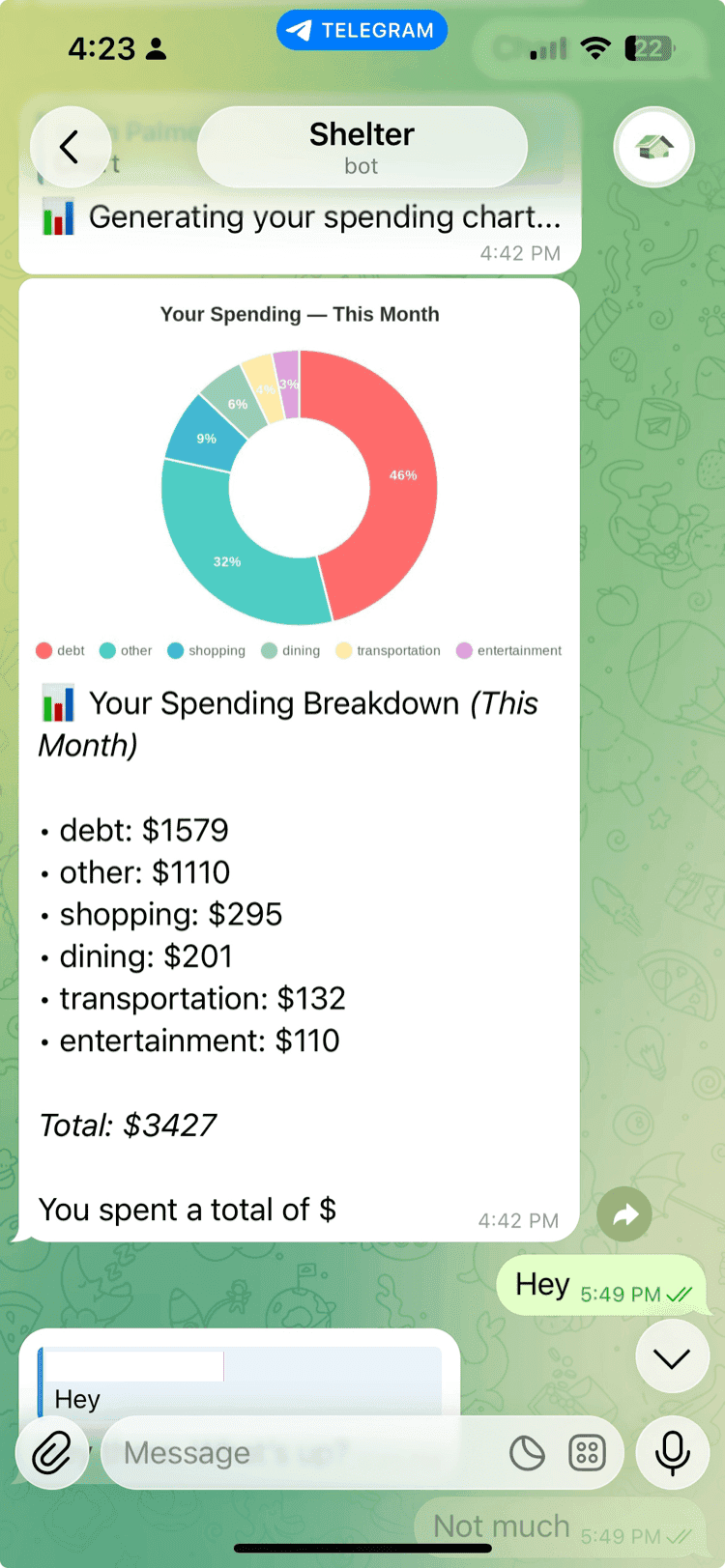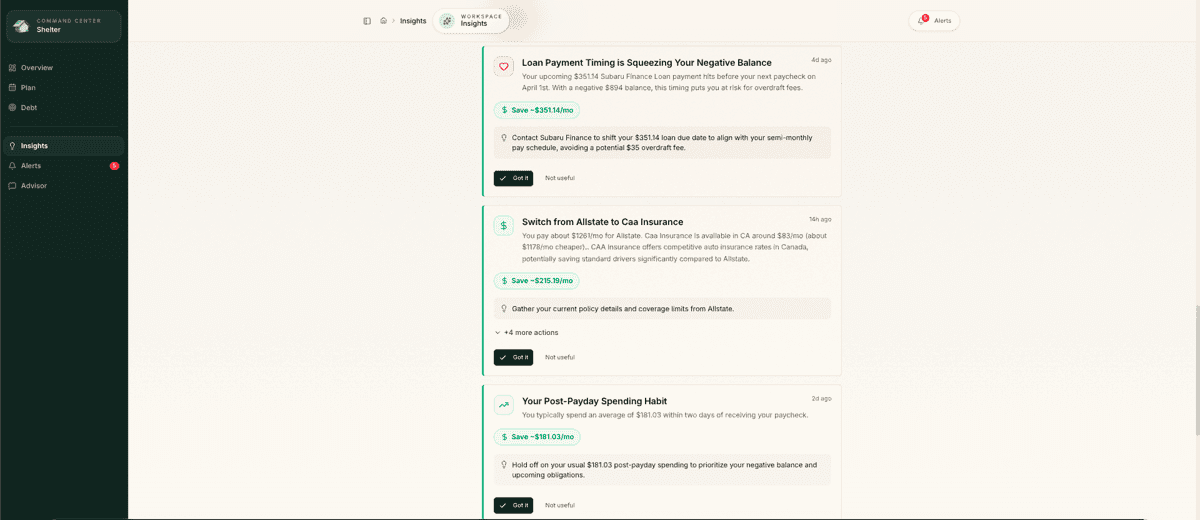
For gig workers and young professionals living paycheck-to-paycheck, forgotten subscriptions can trigger devastating overdraft fees and derail tight budgets. This comprehensive checklist helps you discover hidden subscriptions, optimize your recurring payments, and prevent costly surprises that drain your cash flow.
Discovery & Audit Phase
-
Review last 3 months of bank statements for recurring charges -- Manually scan for any repeating amounts, even small ones like $2.99 that add up over time.
-
Check credit card statements for subscription patterns -- Look for consistent monthly/annual charges that might be on different payment methods.
-
Use your bank's subscription tracking feature -- Many banks now offer built-in tools to identify recurring payments automatically.
-
Download a dedicated subscription tracker app -- Apps like Truebill or Honey can automatically scan your accounts for subscriptions.
-
Check Apple/Google subscription settings -- Review App Store and Google Play subscriptions that may not appear on bank statements immediately.
-
Search email for subscription confirmations -- Use keywords like 'subscription,' 'recurring,' 'monthly' to find signup confirmations.
-
Review streaming service family plans you're paying for -- Check if you're still the primary account holder for services others should be paying.
-
Identify free trials that converted to paid -- Look for charges from services you only intended to try temporarily.
-
Check for duplicate services across platforms -- Identify if you're paying for similar services like multiple music or cloud storage apps.
-
Review gym and fitness app subscriptions -- Check for overlapping fitness memberships or apps you're no longer using regularly.
-
Audit software and productivity tool subscriptions -- Review work-related subscriptions that might not be reimbursed or necessary.
-
Check subscription boxes and delivery services -- Review monthly boxes, meal kits, or delivery memberships you may have forgotten.
-
Identify annual subscriptions that renew automatically -- Find yearly charges that might surprise you when they hit your account.
-
Review insurance and warranty subscriptions -- Check for phone insurance, extended warranties, or protection plans you don't need.
-
Document each subscription with cost, renewal date, and payment method -- Create a master list with all details to track your total monthly commitment.
Cancellation & Optimization
-
Cancel unused subscriptions immediately -- Don't wait until the next billing cycle – cancel services you haven't used in 30+ days.
-
Downgrade premium subscriptions to free tiers -- Switch to free versions of services where the basic features meet your needs.
-
Negotiate annual discounts for services you'll keep -- Contact providers to request yearly rates, which often save 15-20% over monthly billing.
-
Bundle compatible services for savings -- Look for family plans or bundle deals that reduce your per-service cost.
-
Cancel and re-subscribe for new customer rates -- Take advantage of promotional pricing by canceling and signing up again after waiting periods.
-
Set calendar reminders before free trials end -- Add alerts 2-3 days before trial periods expire to avoid unwanted charges.
-
Use virtual credit cards for new subscriptions -- Services like Privacy.com let you create spending limits and easily cancel payment authorization.
-
Replace multiple services with one comprehensive option -- Consider if one premium service can replace several cheaper ones you're using.
-
Pause subscriptions instead of canceling when possible -- Some services allow temporary pauses, perfect for tight financial months.
-
Share family plans with trusted friends or family -- Split costs on services that allow multiple users under one subscription.
-
Switch to pay-as-you-go alternatives -- Replace monthly subscriptions with usage-based services for things you use infrequently.
-
Use student discounts if you're eligible -- Many services offer 50%+ discounts for students, even for online courses or certifications.
-
Time cancellations to avoid overlap -- Cancel services strategically so you can still use them until the billing period ends.
-
Request refunds for recent unwanted charges -- Contact companies about charges from the last 30-60 days – many will provide goodwill refunds.
-
Document cancellation confirmations -- Save cancellation emails and confirmation numbers to dispute any continued charges.
Cash Flow Protection
-
Align subscription billing dates with your payday -- Contact providers to change billing dates so charges hit when you have the most cash available.
-
Set up low-balance alerts for subscription payment methods -- Get notified before subscriptions charge accounts that might be running low.
-
Use a dedicated subscription checking account -- Keep subscriptions separate from daily spending money to prevent overdrafts.
-
Build a subscription emergency buffer -- Keep one month's worth of subscription costs as a buffer in your subscription account.
-
Switch annual subscriptions to monthly during tight periods -- Temporarily switch to monthly billing to reduce large annual charges when cash is tight.
-
Use prepaid cards for risky subscriptions -- Load exact amounts onto prepaid cards for services you might want to cancel quickly.
-
Set spending limits on cards used for subscriptions -- Use your bank's controls to cap monthly spending on subscription payment methods.
-
Schedule manual subscription payments -- Turn off auto-pay and manually pay subscriptions when you have available funds.
-
Use gift cards for entertainment subscriptions -- Buy discounted gift cards for streaming services to prepay and avoid surprise charges.
-
Monitor subscription price increases -- Watch for notification emails about price hikes and reassess whether services are still worth it.
-
Create overdraft prevention rules -- Set up bank rules to decline transactions that would trigger overdraft fees from subscriptions.
-
Use apps that pause subscriptions during low-balance periods -- Services like Cushion can temporarily pause subscriptions when your account balance is low.
-
Track subscription-to-income ratio -- Keep total monthly subscriptions under 10% of your monthly income to maintain financial flexibility.
-
Set up expense category budgets -- Use banking apps to set monthly limits on entertainment and subscription spending categories.
-
Review subscription necessity during income changes -- Immediately audit subscriptions when your income drops from job changes or reduced hours.
Ongoing Monitoring & Maintenance
-
Schedule monthly subscription reviews -- Set a recurring calendar reminder to review your subscription list and usage patterns.
-
Track subscription usage with screen time apps -- Use built-in phone analytics to see if you're actually using subscription services regularly.
-
Set 'subscription sunset' dates -- Decide upfront when you'll cancel each subscription if you're not using it actively.
-
Monitor for unauthorized subscription charges -- Check statements weekly for any charges from services you didn't sign up for.
-
Update payment methods before cards expire -- Proactively update subscription payments to avoid service interruptions and reactivation fees.
-
Review and optimize subscription categories quarterly -- Every 3 months, reassess which categories (streaming, productivity, fitness) you're spending the most on.
-
Use subscription spending as a financial health metric -- Track your subscription-to-income ratio as an indicator of your financial flexibility.
-
Set up automatic subscription cancellation reminders -- Use IFTTT or similar tools to remind you to cancel services after specific time periods.
-
Monitor competitor pricing and features -- Keep tabs on alternative services that might offer better value than your current subscriptions.
-
Track the return on investment for work subscriptions -- Calculate whether productivity or professional development subscriptions actually increase your income.
-
Use subscription management as credit monitoring -- Unexpected subscriptions can indicate identity theft – monitor for services you didn't authorize.
-
Maintain a subscription rotation strategy -- Cycle through entertainment subscriptions seasonally rather than keeping all active year-round.
-
Document which subscriptions are actually saving money -- Calculate whether subscriptions like delivery services actually cost less than alternatives.
-
Set up alerts for subscription policy changes -- Monitor for emails about terms of service changes that might affect pricing or features.
-
Create a subscription inheritance plan -- Document shared accounts and payment responsibilities with family members or partners.
Take Control of Your Finances
Shelter gives you a clear picture of your cash flow, tracks your bills and subscriptions, and helps you avoid overdraft fees -- all without the stress of traditional budgeting. Connect your accounts in minutes and let Shelter do the heavy lifting.
Download Shelter and start managing your money smarter today.
Take control of your cash flow
Shelter connects to your bank, forecasts your balance 30 days out, and alerts you before problems happen.